MeridianNIP™ · Network Intelligence Platform
DNS, DHCP, IPAM, certificates, device backups, monitors, runbooks, diagnostics, threat intel — behind one MFA-gated, audit-chained login. Install on a fresh Debian VM in ten minutes. Free forever.
Apache 2.0 source. MeridianNIP name & logo are trademarks — see license.
A reader and a tooling surface. Meridian queries external IPAM/DHCP/Directory sources (Infoblox, NetBox, BlueCat, phpIPAM, ISC Kea, LDAP, Entra) and runs diagnostic tools right alongside. It doesn't author DNS/DHCP/IPAM data on those sources.
Dig with multi-resolver propagation, DNSSEC chain, zone health, reverse, WHOIS (single + bulk), CT / crt.sh, AXFR, typosquat, SPF/DKIM/DMARC analyzer, DNS flush.
Ping, traceroute / MTR, port scan, packet capture (tcpdump file-cap), SNMP walk, ASN lookup, BGP looking glass, IP geolocation, IP reputation (8 DNSBLs), HTTP security-header audit, subnet / supernet calculator.
VirusTotal, Censys, Shodan, AbuseIPDB, GreyNoise, URLScan, Pulsedive — all rate-limited per the safety caps so a misconfigured loop can't weaponise your install.
HTTP, HTTPS, TCP, ICMP ping, cert expiry, DNS records. All clamped to a 30-second floor — you can't accidentally DDoS your own targets.
Users + RBAC, scope manager, integrations, vulnerabilities, system health, queue introspection, webhook + email + SMS channels, fail2ban admin, lockout-appeal review, audit log with HMAC row chain, GDPR export + erasure.
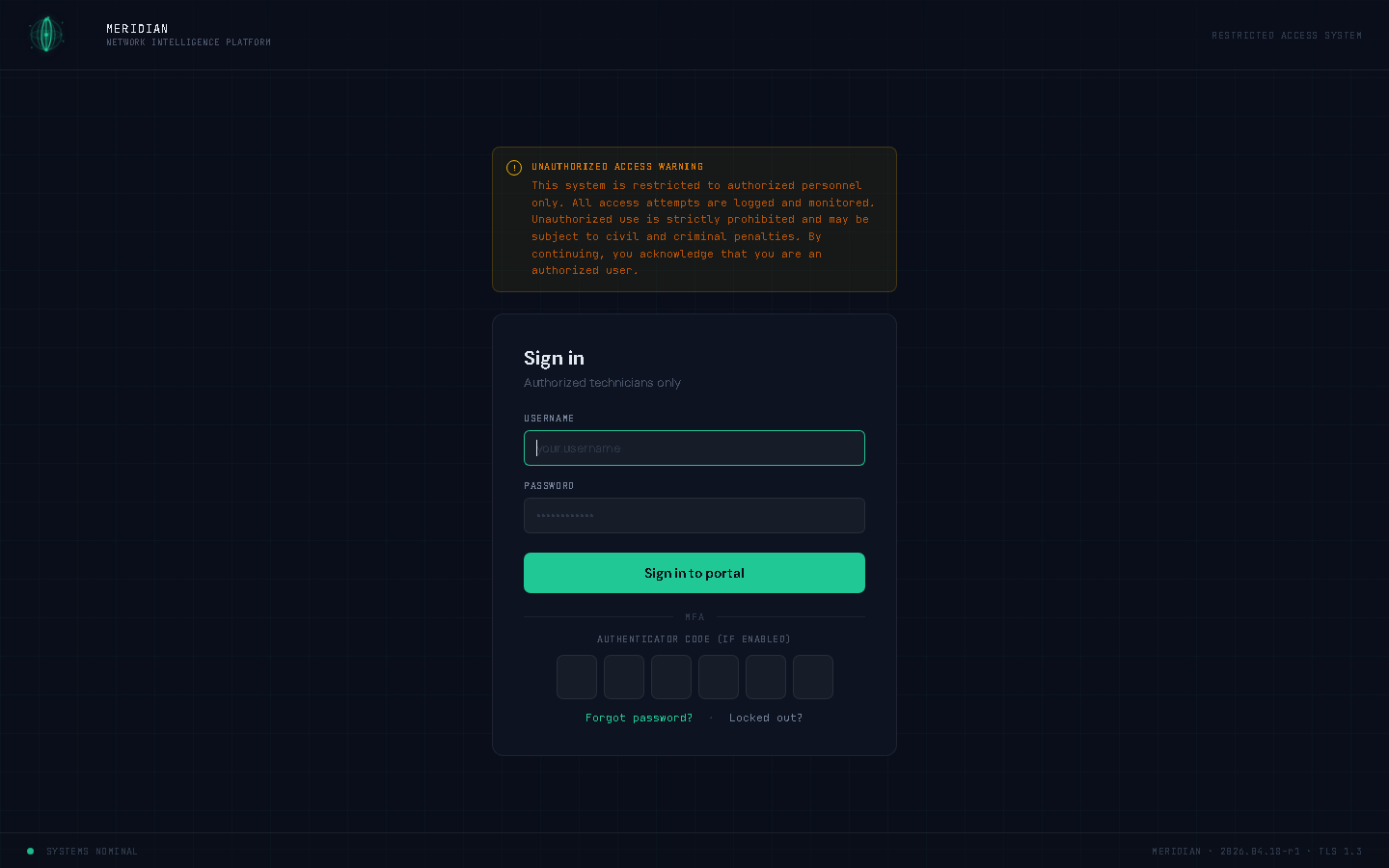
argon2id, TOTP MFA + backup codes, single-session enforcement, audit row-hash chain, app-layer CSRF (double-submit cookie), PII redaction at audit-insert time, AppArmor profiles, AES-256-GCM vault with HKDF-lite subkeys.
Pick whichever matches what you have. All three converge on the same install.sh.
The unattended preseed ISO + bootstrap.ps1 builds a Gen 2 VM, runs Debian install with all answers pre-filled, then install.sh from your rsync'd source. Zero clicks beyond the UAC prompt.
./scripts/hyperv-bootstrap.ps1 -VMName meridian \
-Unattended -IsoPath C:\VMs\ISOs\debian-13-meridian-unattended.isoSame preseed ISO. Create a Gen 2 VM with UEFI + Secure Boot off, attach the .iso, power on, walk away ~10 min. Bridged networking required so the VM gets a LAN IP.
Fresh Debian box, sudo-capable user, clone the repo to /opt/meridian/, edit
answers.local.env, run sudo ./install.sh --unattended --config ....
Or run interactively — every prompt has an inline explanation of what it does.
Real screenshots from a live install — every user tool and admin panel. Open the gallery to step through, zoom in on small text, and pan around.
Every install option, every user tool, every admin panel — documented before you commit to a deploy. The docs render in the portal too, so what's online is what your team sees in-app.
Code is Apache License 2.0. The MeridianNIP name and logo are trademarks (LICENSE Section 6) — your fork is welcome, but it has to ship under a different name and logo.
